
Import
You can import contents either from wordpress or an uploaded file. To start the import wizard open any project and click the "Import" button on the lower left.
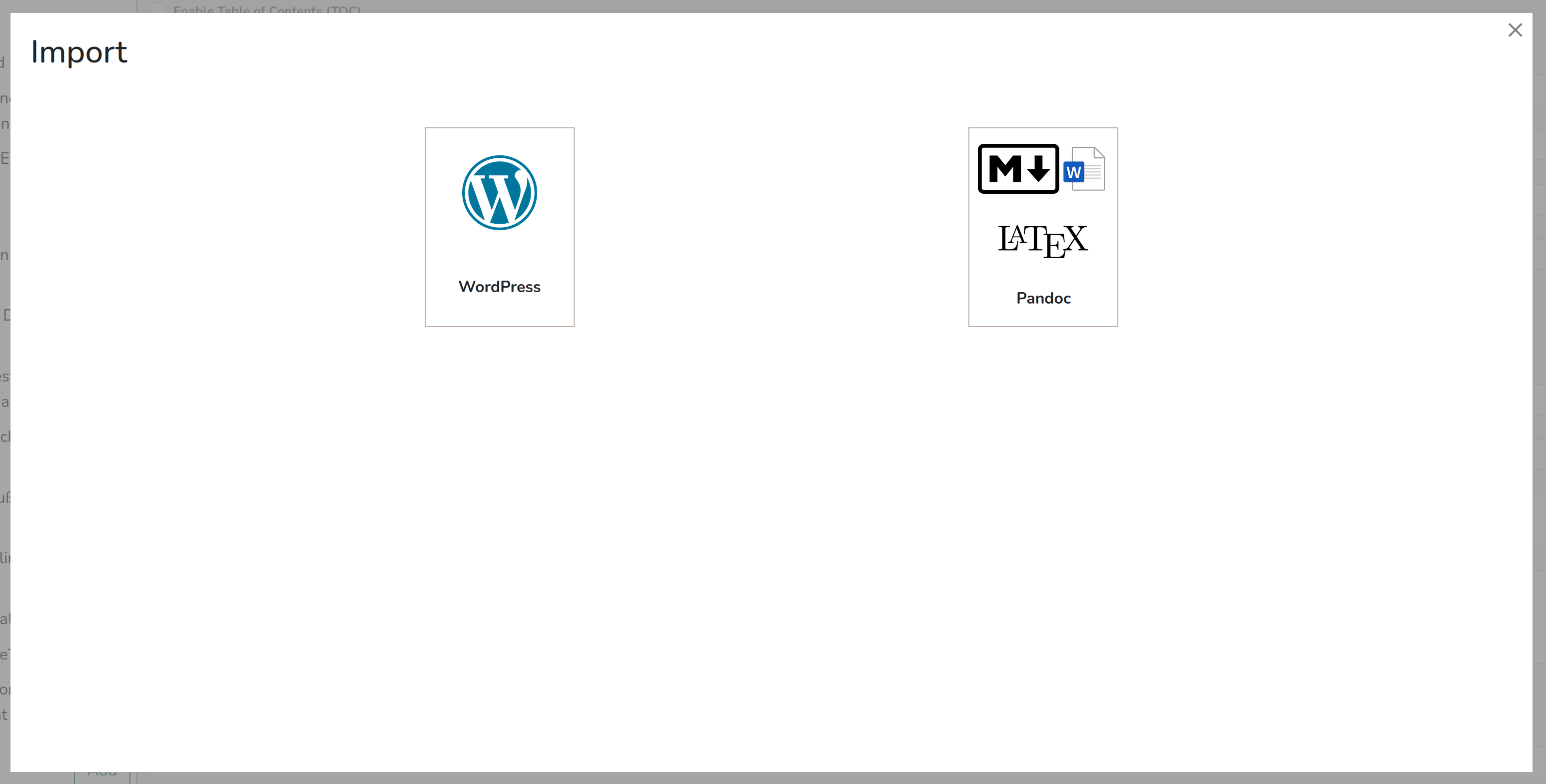
Import from Wordpress
You may choose to import posts via a list of links or by filtering all posts on a specified wordpress host.
Import by Links
Choose "WordPress" -> "Import by Links" in the import wizard and paste the links to all articles you wish to import into the input area. Add one link per line.
Currently, only direct links to posts can be processed. Links to categories will not work, use the filter import tool for category imports for now.
Import all posts matching a filter
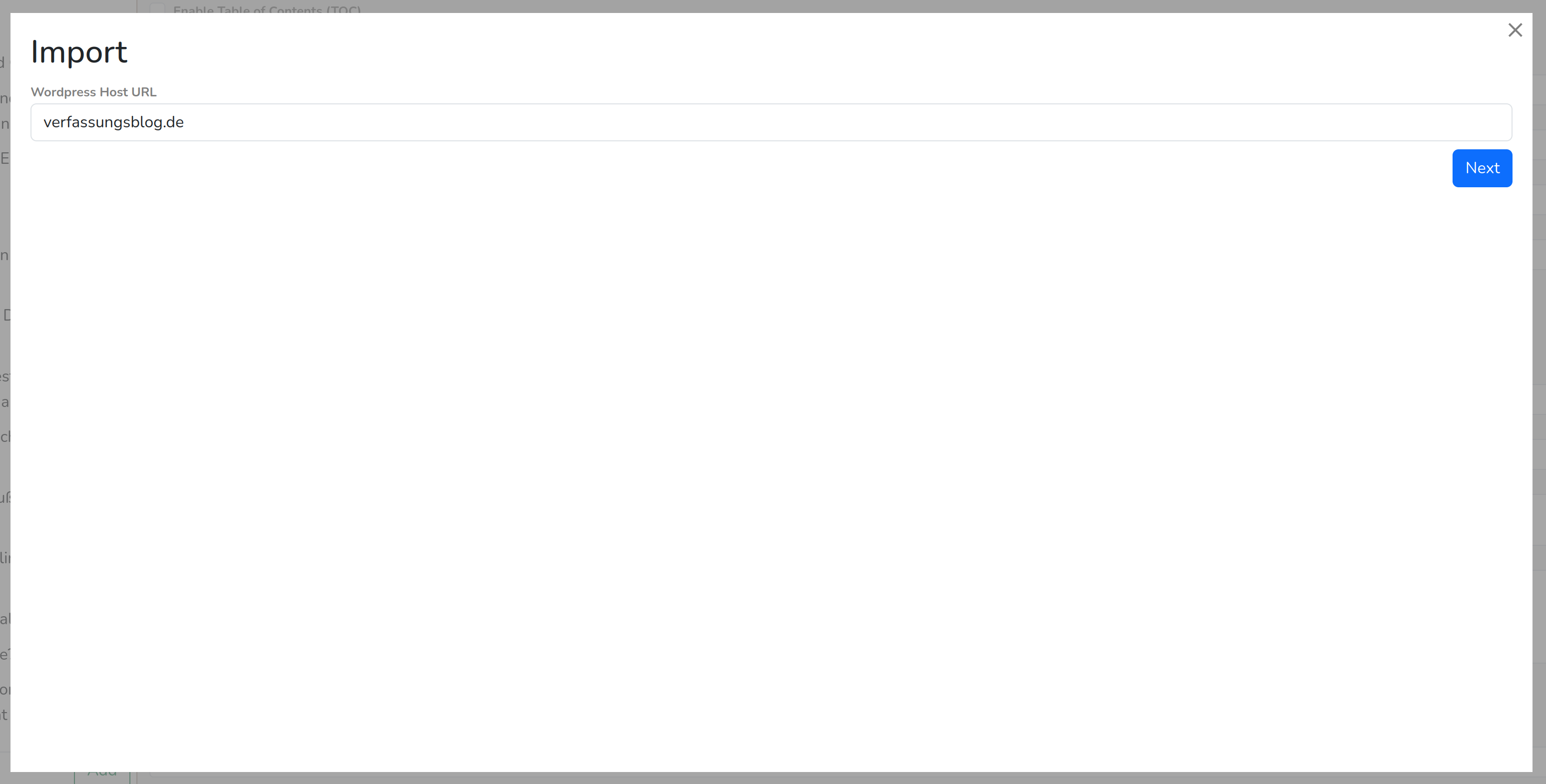 Choose "WordPress" -> "Filter Posts" in the import wizard.
Now fill in the WordPress host you wish to import from, e.g. "verfassungsblog.de". Do not include the protocol (https://)!
It may take a while to load all categories from the WordPress host, especially if there are many.
Now you are able to filter which posts should be imported. There are three filter options:
Include Posts in Categories
If enabled, only posts which are included in at least one of the selected categories will be imported. Note that posts that are in a subcategory are not automatically added to the parent category. But you may use the recursive select button before the checkbox of every parent category to auto-check all subcategories.
Exclude Posts in Categories
If enabled, excludes all posts which are included in at least one of the selected categories. All other posts will be imported.
Filter by Publish Date
If enabled, only posts will be included which match the specified time period. You may only specify a before or after date, or both.
On the lower left of the import wizard, you will see the number of posts that match your filters. It may show N/A if you selected many categories, but don't worry: this only affects the preview number, the import will be fine.
Example 1:
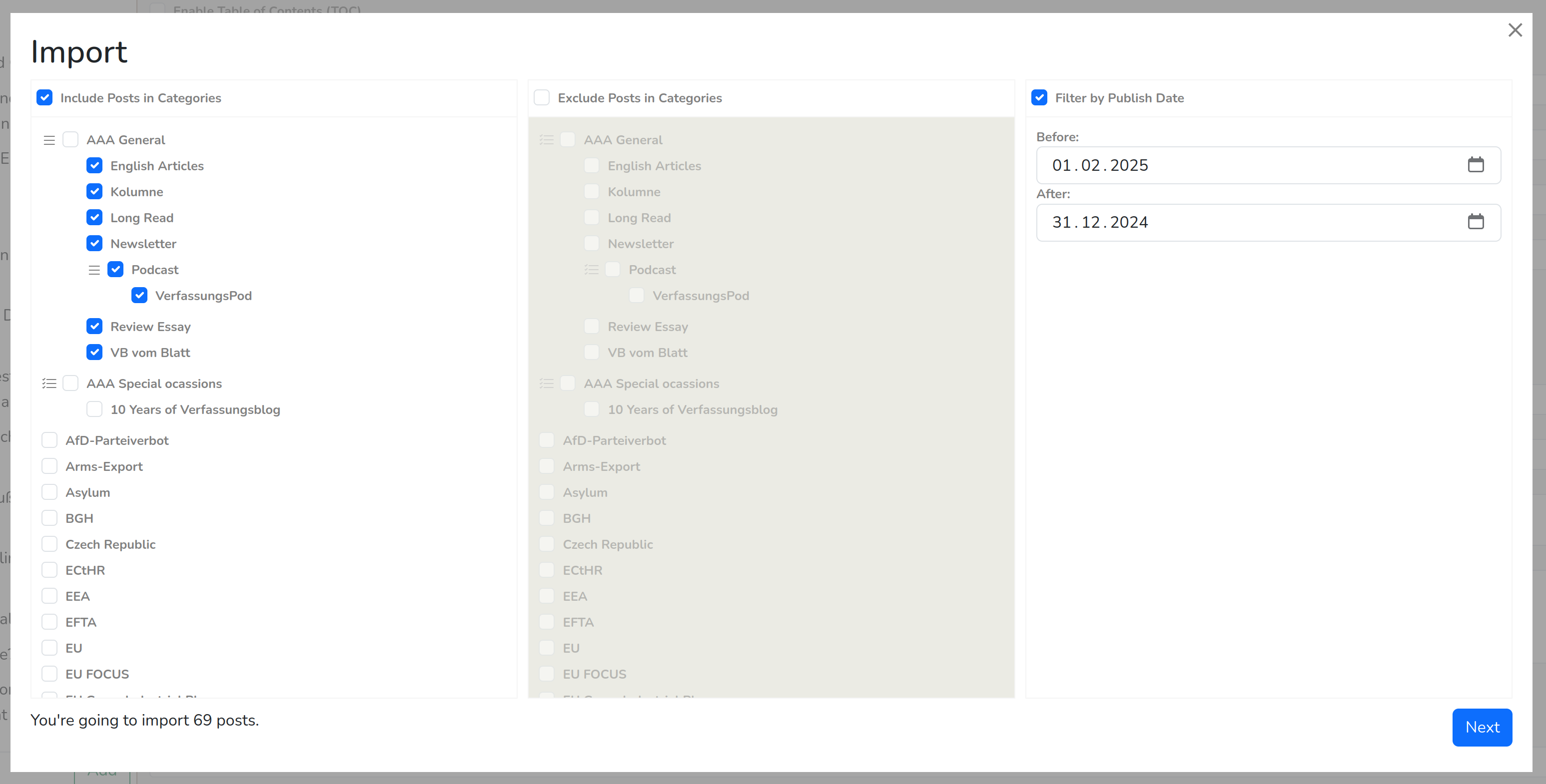
With these settings, all posts published in January 2025 and added to one of the sub-categories of "AAA General" (but not "AAA General" itself!) will be imported.
Example 2 (Verfassungsblatt):
To import all posts for the Verfassungsblatt, you would need these settings:
Exclude Posts in Categories:
Filter by Publish Date:
Before and After according to the issue of the Verfassungsblatt.
Settings for WordPress Imports
After selecting the filters or entering the links to import, you will can set these import settings:
If enabled, the author names are extracted from WordPress and added to the sections, but only with their names. If you need more data for the authors, you have to create them manually via the Persons menu.
Convert Footnotes to Endnotes:
If enabled, it converts all extracted footnotes to endnotes.
Shift Headings up by one level:
If enabled, all heading levels are shifted upwards. H2 becomes H1, H3 becomes H2 etc. May be useful, if the headings in the imported posts start with H2 instead of H1.
Convert Links to Citations:
Tries to convert all links in the post to citations via a Zotero Translation Server. If a link can't be converted, it will remain in the post. Generally, it won't work with links leading to an PDF document and works best with static page links.