
B. Editing & Organisation
Publish Goods offers various ways to edit and structure your contents.
1. Metadata
Before you get started, you should ensure that the metadata of each section is complete and correct. If you imported the content via Links, many of the metadata (such as title, author, date, URL, persistent identifier) are automatically filled in.
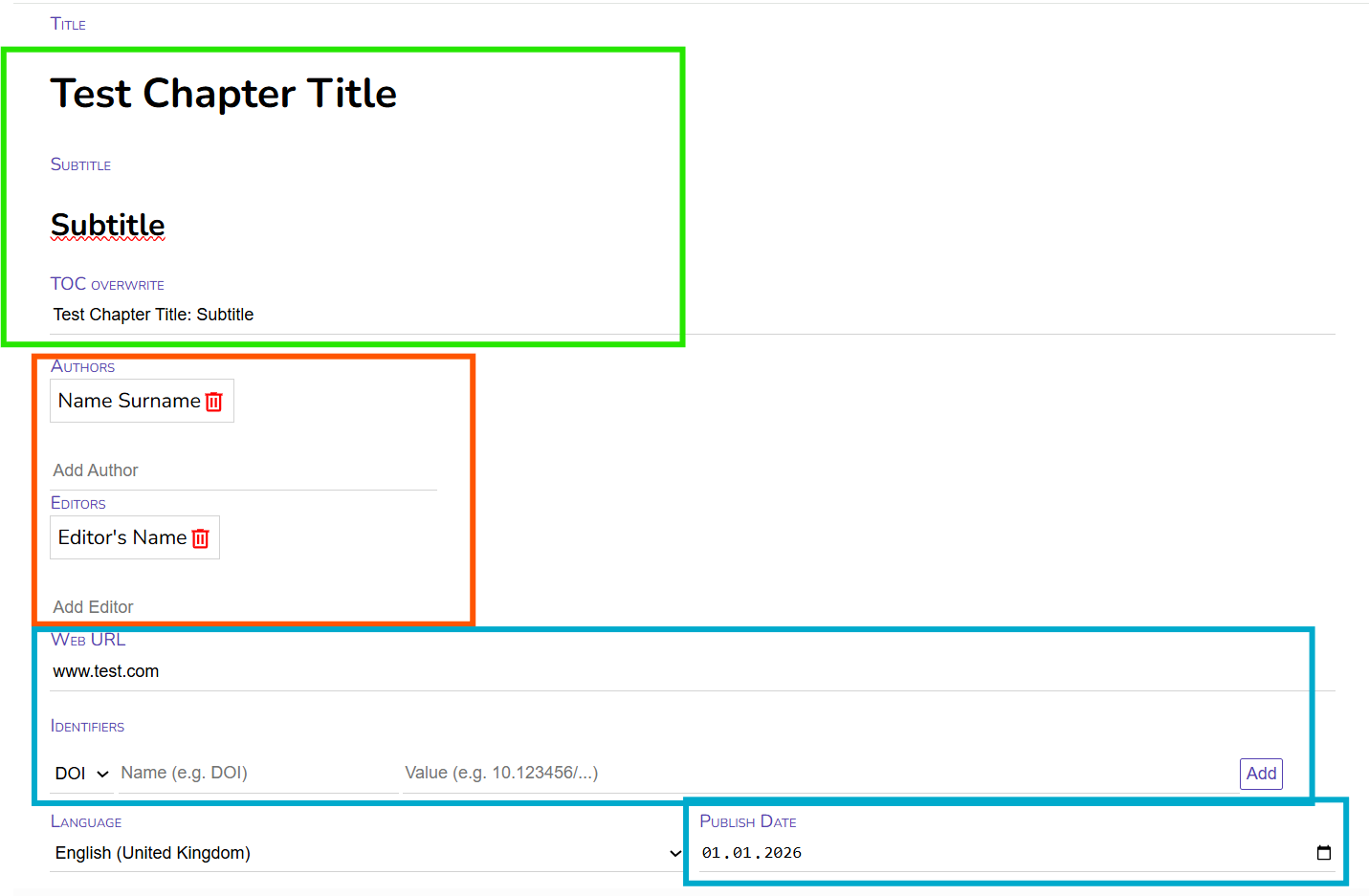
Fill in the title and subtitle of the section.
Under "ToC Overwrite" you have the possibility to display the title differently in the automatically generated Table of Contents. The Table of Contents would display the current Title and Subtitle (as default, this can be adjusted in the css-Template) as "Test Chapter Title: Subtitle". In case of special titles (e.g. ending with a question mark or with an ellipsis, you might want to display it without the automatic colon between title and subtitle in the Table of Contents. In most cases, you can simply ignore this field.
After this, you fill in the Authors Name. You can do so by simply writing the Name and press "Enter". You can of course also add more than one author. You can change the order of authors by drag-and-drop. Typically, a single section has no editor, so this field can be ignored.
If applicable, you can add the URL of the text, as well as persistent identifier, such as DOIs or ISBNs. Also the publish date can be added. Depending on the settings in your template, these information can be displayed in the exported document e.g. showing the URL or DOI on the title page of each chapter.
The language is identified automatically, however you can also specify it manually. The selected language determines the automatic hyphenation.
2. Editing
3. Structuring